Institutional Only|Drovix does not deal with individual investors and does not accept deposits or provide retail trading services.
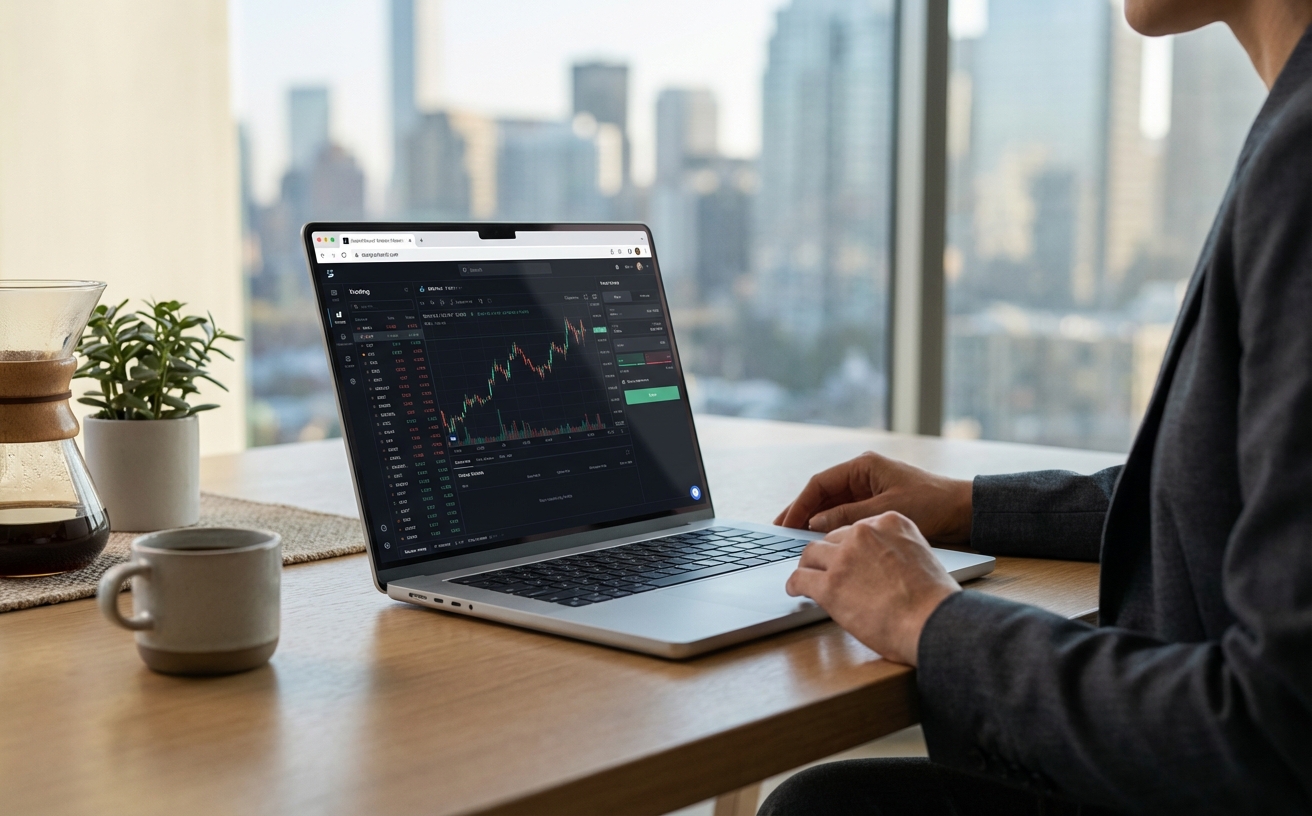
Drovix WebTrader
Execute from your browser with no local installation required
Browser-Based
Access your approved workspace from any device with a web browser. No installation needed.
Lightning Fast
Real-time streaming quotes and instant order execution from anywhere.
Secure Trading
Bank-level encryption ensures your data and funds are always protected.
WebTrader Features
Get Started in 3 Steps
Open your browser, sign in, and continue in WebTrader with your saved layouts and watchlists.
- 1
Sign in to your trading platform
Use your approved credentials and open WebTrader instantly.
- 2
Select workspace and instruments
Choose the relationship context and markets you are authorized to access.
- 3
Execute and manage risk
Route orders with built-in stop loss and take profit controls.
WebTrader FAQ
Quick answers before you launch the platform.
Do I need to install anything?
No installation is required. WebTrader runs directly in your browser on desktop and mobile.
Can I use WebTrader and MT5 together?
Yes. You can monitor and execute on WebTrader while keeping advanced workflows on MT5.
Is WebTrader secure?
Yes. Sessions are encrypted and account access follows institutional-grade security standards.
Who is WebTrader best for?
Teams and institutional clients that need fast access from multiple devices without installing desktop software.
Works on Any Device
WebTrader adapts seamlessly to your screen size. The same powerful tools on desktop, tablet, or mobile.
Desktop
Full-screen workspace with multi-chart layouts and advanced tools.
Tablet
Touch-optimized interface with full functionality while away from the desk.
Mobile
Compact yet powerful — monitor and execute from your smartphone.
Platform in Action
See how WebTrader delivers professional charting and order management.
Advanced Charting
50+ indicators, multiple timeframes, and drawing tools at your fingertips.
Order Management
Manage pending orders, view trade history, and monitor open positions.
WebTrader vs MT5 at a Glance
Key differences to help you choose the right tool.
Supported Instruments
Access a wide range of global markets directly from your browser.
Get Started
Use Drovix WebTrader for browser-based execution within your approved Drovix relationship.